
How to download an Instagram Story
- Add Reel Downloader to Chrome and open instagram.com.
- Open a story, from the row of stories at the top of your feed or from a profile.
- Click the round Download button in the story's own controls, next to pause and the "…" menu.
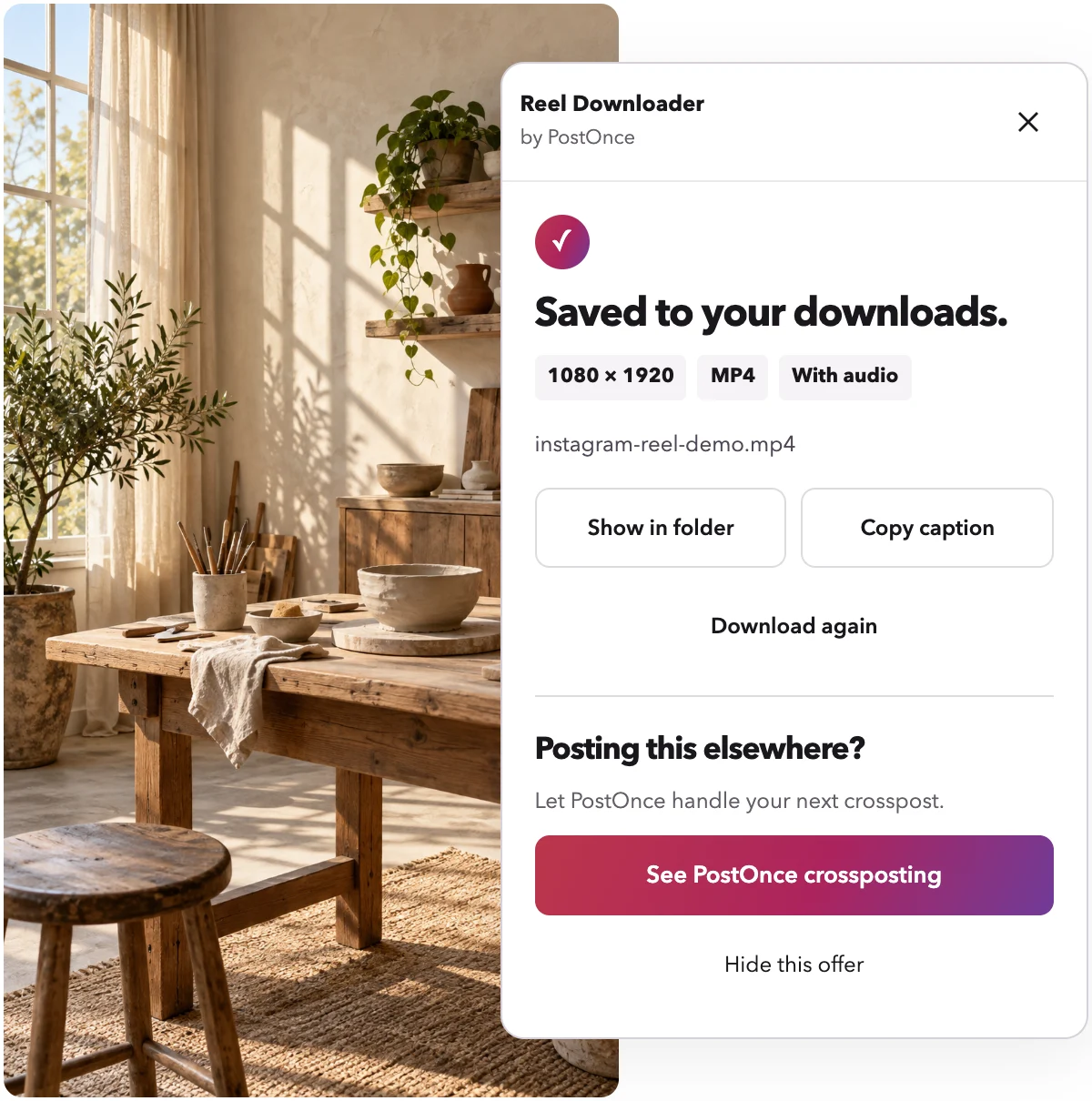
- The panel shows progress, then "Saved to your downloads." with the size and "With audio" for videos.
Stories save as MP4 videos or JPG photos, named after the account and the story, like instagram-accountname-DeH01XMEfPc.mp4.
Why this Instagram story downloader
Story downloaders get the same complaints again and again. Each one shaped how Reel Downloader works.
It saves the story you're watching
A common complaint is getting the first story of an account instead of the one on screen. Reel Downloader reads the story you're viewing: the story's own ID when Instagram shows it in the address, otherwise the story whose length or image matches what's on your screen. If it can't be sure, it saves nothing and tells you, instead of handing you the wrong file.
Sound included, and honest when there is none
Video stories save with their sound. Some stories are posted without sound; for those, the panel says "No audio" so you know it isn't a fault.
Files that play everywhere
Video stories save as H.264 MP4, so they open on Mac, iPhone, Windows, WhatsApp and video editors. Photo stories save as JPG.
No account with us, no limits
There is nothing to sign up for, no daily limit and no ads. Downloads happen in your browser and go straight to your computer.
Stories from accounts you follow, and your own
Instagram shows Stories only to signed-in people, so the extension works in the Chrome where you're signed in to Instagram. It saves:
- Your own stories, as a backup before they disappear after 24 hours.
- Stories from accounts you follow, and public accounts' stories you can open.
It never gets around privacy settings: if Instagram doesn't let your account see a story, the extension can't save it either.
Instagram tells an account who viewed its stories. Opening a story to save it counts as a view, exactly like watching it. If Instagram first asks "View as …?", that's Instagram's own notice about this; press View story, then use Download.
Honest limits
- Desktop Chrome only. Stories need your Instagram session, so there's no paste-a-link version for Stories. The web downloader on the home page handles public Reels and posts.
- Highlights aren't supported yet. Open the story while it's live, within its 24 hours.
- One story per click. There's no "download all stories" button.
- Close friends and private accounts work only when Instagram already shows them to you.