
How to download an Instagram carousel
With the web tool
- Open the carousel post in Instagram.
- Tap Share, then Copy link. Carousel links use instagram.com/p/ followed by a short code.
- Paste the link into the box above.
- Press Download.
- Save each image. You get every slide in the post.
The web tool works on any device, including phones, for public posts.
With the Chrome extension
- Click Add to Chrome and confirm in the Chrome Web Store.
- Open instagram.com in Chrome and sign in.
- Click the Download button beside the carousel.
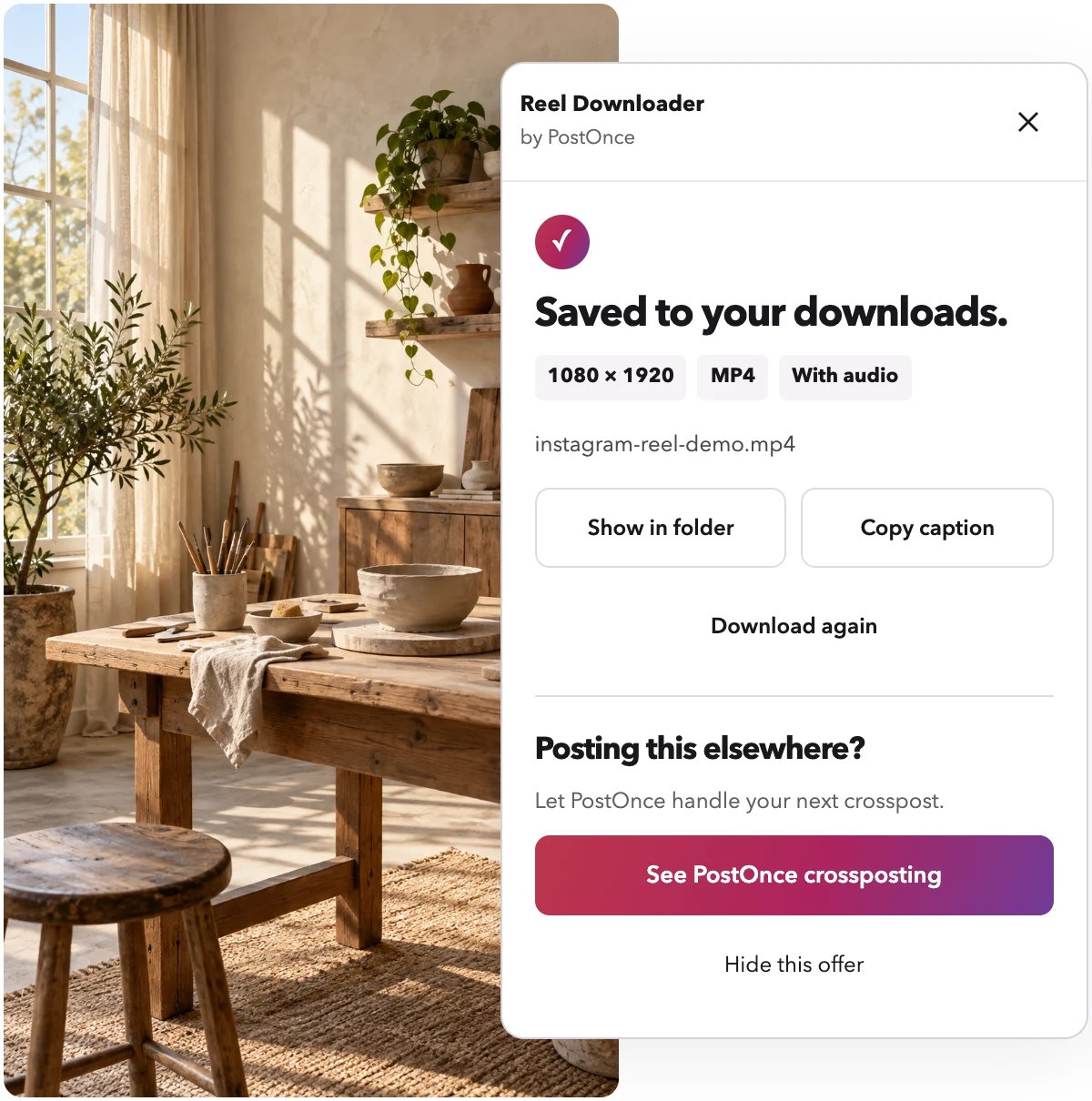
- The extension saves every image and numbers the files in post order. The panel shows "Saved to your downloads." with the resolution when it is done.
Why slide order matters
Carousels are often built to be read in sequence. A tutorial goes step by step. A before-and-after needs the before first. A text carousel tells a story across slides.
If the files land in your downloads folder in random order, you have to rebuild that sequence by hand. The extension numbers each file in the same order as the post, so slide 1 is file 1. Sort your folder by name and the carousel reads correctly.
Image quality
The extension usually gets higher quality than the web tool. It saves carousel images at up to 1080 px wide.
The web tool can return carousel images at lower resolution, for example 720 px wide. That is fine for reference, but if you want to reuse or print the slides, use the extension.
Nothing is re-encoded either way. You get the images Instagram serves.
When to use the extension
The Instagram downloader Chrome extension is the better pick when you:
- Save carousels often on a computer
- Want the highest image resolution
- Need the slides numbered in post order
- Want to save posts you can open while signed in, not only public ones
- Do not want a daily limit
The extension uses the Instagram session already open in Chrome and never sees your password. It works in desktop Chrome and Chromium browsers that install Chrome Web Store extensions, not on phones.
Single photos and Reels
Not every post is a carousel. For single-image posts, see the Instagram photo downloader. For video, the Reel Downloader home page saves Reels with sound, usually at 1080p.
What is not supported
- Instagram Stories
- Whole profiles or many posts at once
- Private posts you cannot open yourself
- LIVE broadcasts
Troubleshooting
Only some slides came back
Check that you copied the link to the post itself, using /p/. If the problem continues, try the extension, which saves every image in post order.
The images look small
The web tool can return images around 720 px wide. The extension usually gets up to 1080 px wide.
"Sign in needed"
The extension needs you signed in to instagram.com in the same Chrome profile. Sign in and click Download again.
The post was removed or is private
You will see a clear message. If a post is gone or private and you cannot open it, there is nothing to save.
The download stopped
If your connection drops, press Retry.
Privacy and responsible use
It is free, needs no account and does no usage tracking. The web tool fetches images from Instagram's own servers, and we do not keep copies. With the extension, files stay on your computer.
Only download carousels you own or have permission to reuse.
Reel Downloader is made by PostOnce and is not affiliated with Instagram or Meta.